 Fastero Dev Team
"Live artifacts" meant one thing when Claude launched them in April 2026 and something narrower now. If you're trying to build a Claude dashboard that stays current, the name will send you the wrong way. Here's what the term means today, and what to use instead.
The short answer: in Anthropic's words, "Live artifacts are artifacts made in Claude Cowork before August 19, 2026". They keep working and refresh from your connected apps when opened, but you can't edit them in place, and sharing stays inside your organization. New artifacts that read your connected apps do the same job. They fetch data when they open, on Pro and above, with each viewer using their own connections. Anyone who opens one needs a Claude account. For a dashboard that refreshes on a schedule and opens for people without Claude, build it in a workspace such as Fastero.
Fastero
Your artifact, on live data your team can open.
Add Fastero to Claude and ask for the chart. Claude queries your database instead of a file, draws the chart in the conversation, and one click saves it to a dashboard your colleagues open with their own login, with fresh numbers every time.
Connect Claude →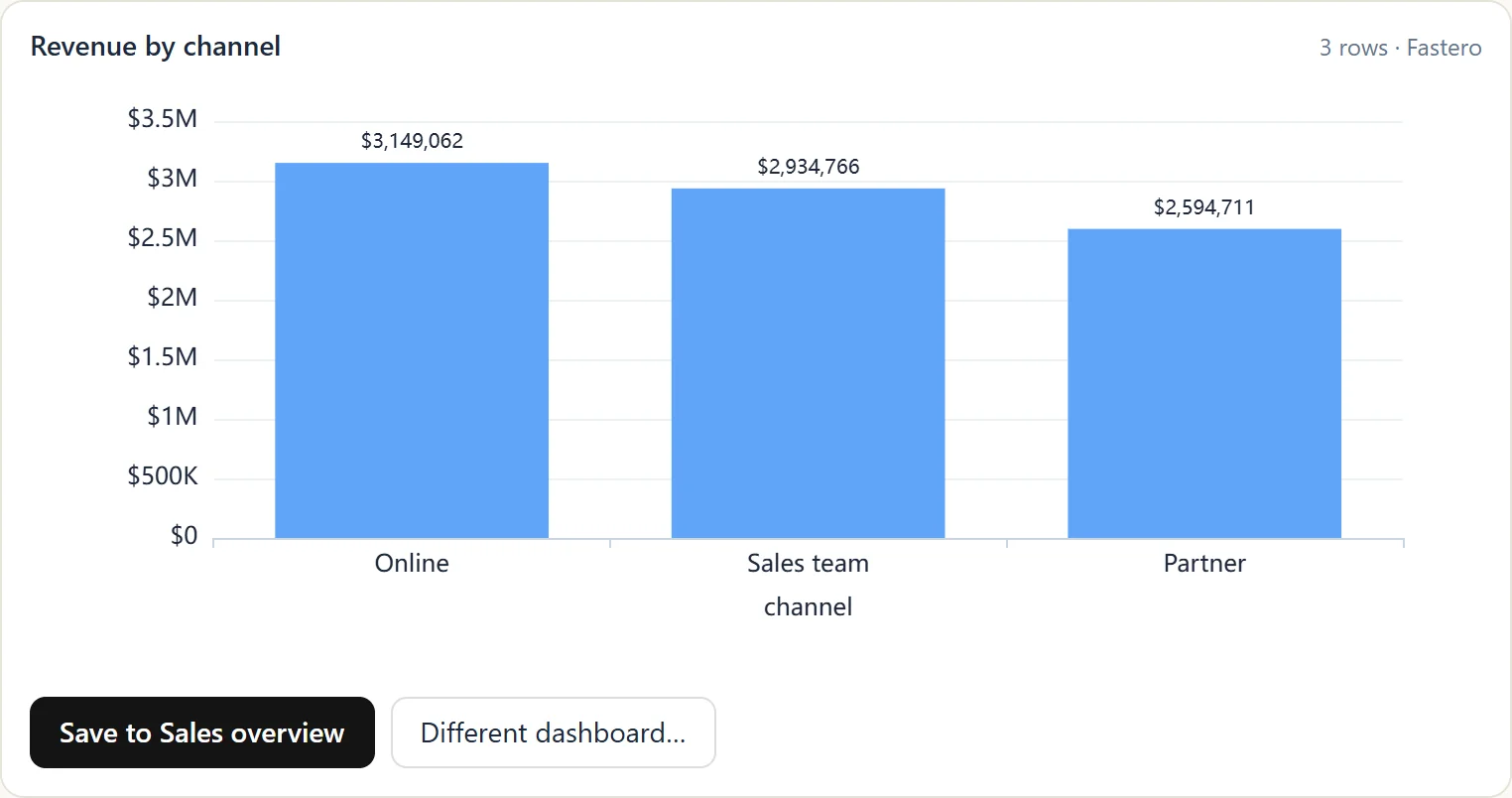
What Anthropic means by live artifacts now
| What they are | Artifacts made in Cowork before August 19, 2026 |
| Editing | "You can't edit them in place." To change one, republish it as a new artifact, and people with the link see the new version |
| Sharing | "Sharing stays within your organization. There are no external or public links" |
| Where they open | The desktop app only, marked with a Cowork label in the Artifacts view |
| Data | "When someone opens your artifact, it connects to their connectors and data sources" |
| Who still makes them | Organizations with customer-managed encryption keys, zero data retention or a HIPAA-ready setup |
In Anthropic's words, "Artifacts made in Cowork on or after August 19, 2026 work like any other artifact."
How the name changed
- April 2026: Claude announced live artifacts in Cowork, "dashboards and trackers connected to your apps and files. Open one any time and it refreshes with current data." They lived on your computer, and at first couldn't be shared.
- August 2026: sharing came to Team and Enterprise, while Pro and Max couldn't share or publish them.
- August 19, 2026: Cowork moved to Claude's main artifacts system, and new artifacts became saved to your account, shareable in your organization and open on the web.
- Today: "live artifacts" names only the old ones. No current Anthropic page uses the term for artifacts that read connected apps.
How they refreshed, from Anthropic's original help page: "When you open a live artifact, it pulls fresh data from your connected apps. Most of the time you won't need to refresh manually, as a short cache holds recent data so the artifact loads quickly". A refresh button forced new data.
What replaced them: artifacts on connected apps
Any artifact can now read the apps you've connected, on Pro, Max, Ultra, Team and Enterprise, on the web and desktop. In Claude Code's version of the help, "An artifact can call MCP connectors each time someone views it, so the page shows current data rather than a snapshot from the session that built it."
How they behave:
- Refreshing: "The page fetches data when it loads and can refresh on an interval or when a viewer uses a refresh control on the page." A reopened page shows cached results first, then updates.
- Each viewer's own data: "two people opening the same dashboard can see different data depending on what their accounts can access". A viewer who hasn't connected the app sees an error in that section instead of your numbers.
- Approvals: the first time an artifact uses an app, Claude shows which tools it will use and asks you to approve them. Tools that need approval for every action aren't available to artifacts.
- Sharing: "Artifacts that use connected apps, or that ask Claude questions, can't use 'Anyone with the link.'" People outside your organization get the page "without its live sections".
Claude's Dashboards template (beta, Pro and above) builds a dashboard of SQL charts on a warehouse or a connected app, with "the query behind every chart". Anthropic says it "keeps it current as the data changes", but it doesn't say whether that happens on open, on a schedule or on request. Its help doesn't mention scheduled delivery either.
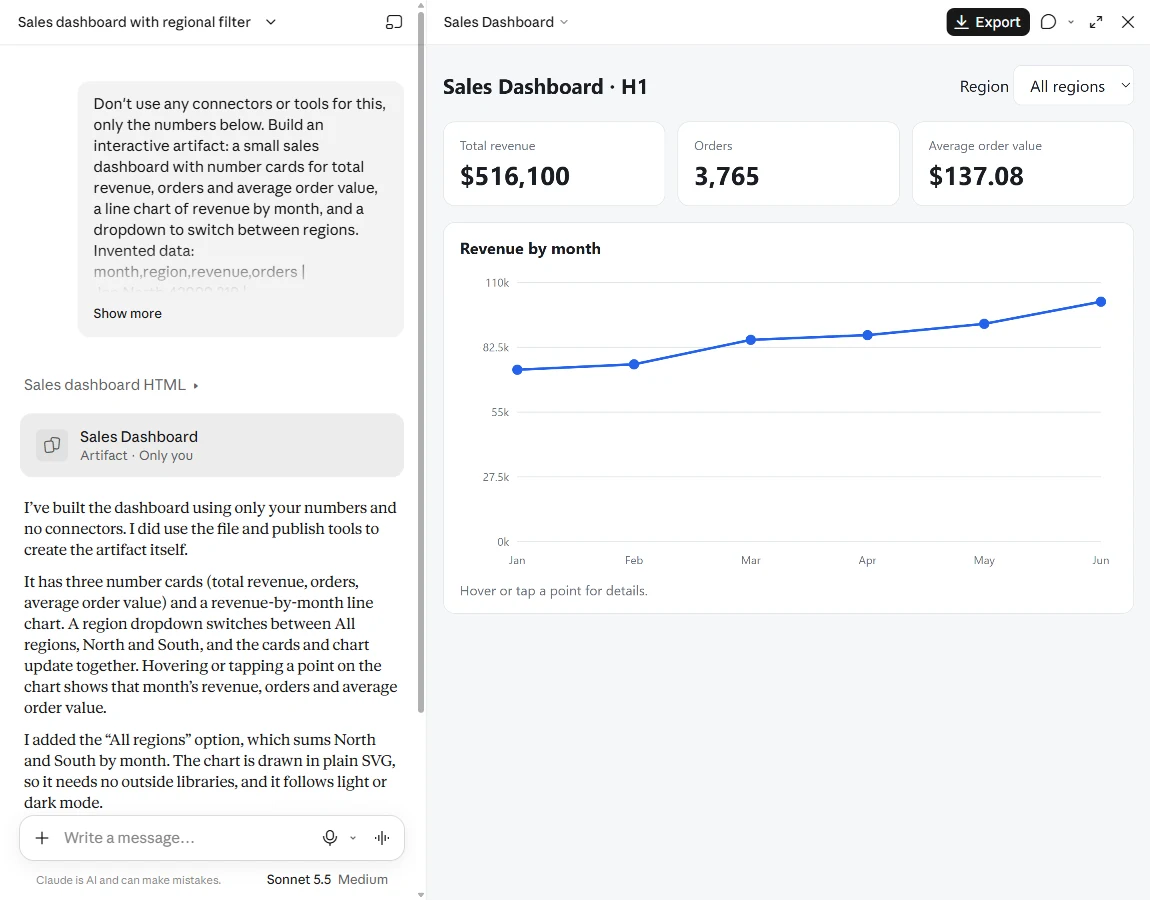
An artifact made from a pasted table is a snapshot. One that reads a connected app refreshes when it opens.
Which "live" do you need?
| You need | Use | Who can open it |
|---|---|---|
| To keep using a Cowork artifact made before August 19 | The live artifact, republished as a new artifact to edit it | People in your organization, on desktop |
| A page that shows your own tools' current data when you open it | An artifact on connected apps | Claude users who connect the same apps |
| A quick dashboard on a warehouse for yourself or Claude colleagues | Claude Dashboards (beta) | Claude users |
| A dashboard your whole team opens, on a schedule, without Claude | A workspace such as Fastero | Anyone you invite; viewers are free |
Your artifact, on live data.
Connect Claude →Keep a dashboard live for people without Claude
Artifacts are built around the person in Claude. When the readers are a finance lead, a client or a store manager, you need the numbers to stay current for people who will never open Claude.
With Fastero connected to Claude, ask for the dashboard in Fastero instead of as an artifact. Claude writes and saves the queries on your database and builds the dashboard there:
- Everyone sees the same numbers. The queries run with the workspace's connection, not each viewer's.
- It refreshes on its own. Set it to refresh on a timer, or when the data changes.
- It reaches people. Email it every Monday with a PDF attached, or share a public link that needs no sign-in.
Our AI model price tracker is one, on public data: a Python job collects prices every morning, and the dashboard follows.
In Fastero, build a dashboard from our orders table: revenue, orders and average order
value as number cards with the change on the week before, then revenue per week for 12
full weeks. Refresh it every morning and email it to me every Monday at 8:00.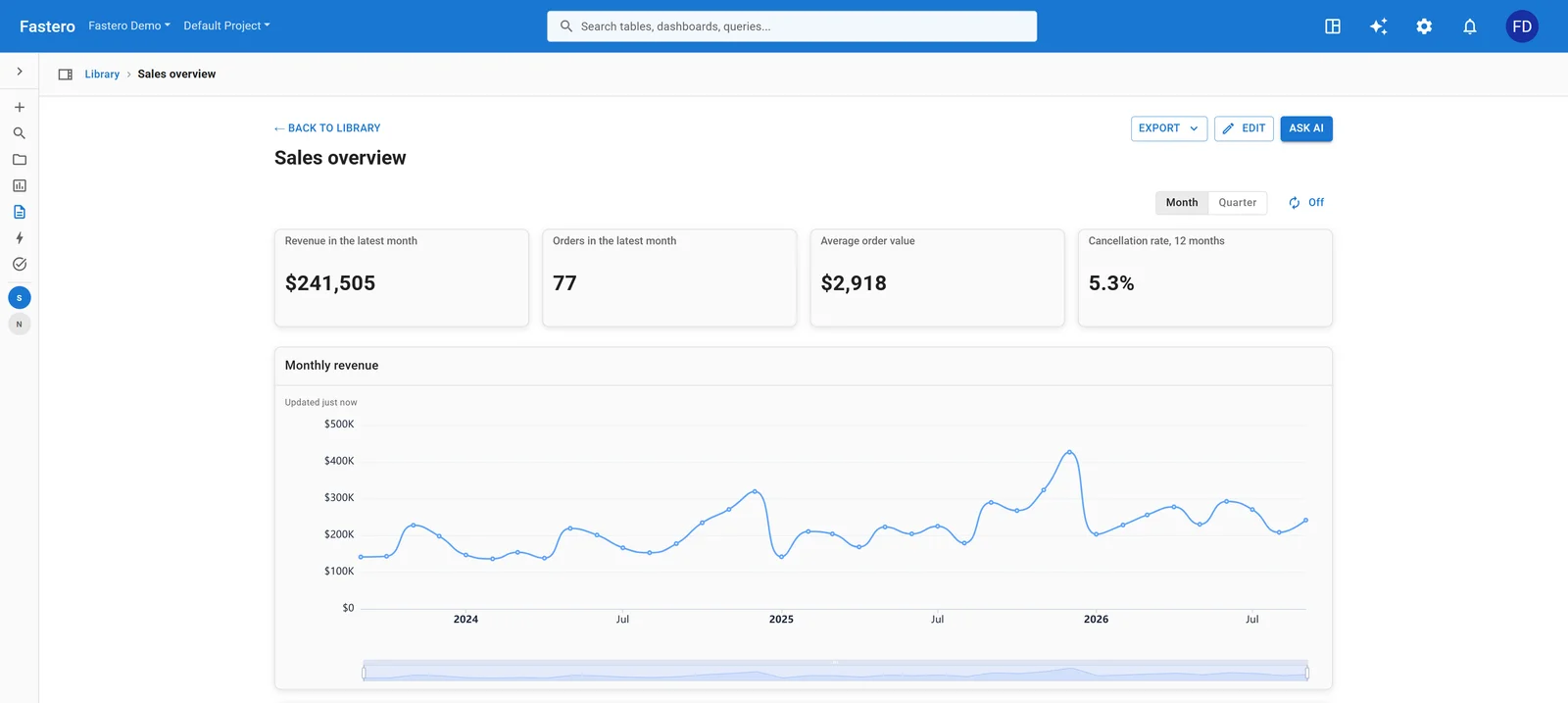
A dashboard Claude built in Fastero, opened by the team with their own logins. Sample data.
More prompts are in Claude dashboard examples, and the full comparison is in Claude dashboard: 5 ways to build one.
FAQ
What are Claude live artifacts?
Artifacts made in Claude Cowork before August 19, 2026. They refresh from your connected apps when opened and still work, but can't be edited in place, open only in the desktop app, and share only within your organization.
Do Claude artifacts update automatically?
An artifact that reads your connected apps fetches data when it opens, and can refresh on an interval or with a refresh control. An artifact built from a file or a pasted table keeps those numbers until you ask Claude to update it.
Can I still make a live artifact?
Not under that name, unless your organization uses customer-managed keys, zero data retention or a HIPAA-ready setup. Everyone else makes ordinary artifacts, which can read connected apps the same way.
Can I share a live artifact outside my company?
No. Live artifacts have no external or public links. Newer artifacts that use connected apps can't use "Anyone with the link" either, and outside viewers see them without their live sections.
How do I edit a live artifact?
Republish it as a new artifact from Share, then edit the new one. People who had the old link see the new version.
Sources
Read on 4 November 2026:
- Use live artifacts in Claude Cowork, and its archived versions of April 25, August 7 and September 3, 2026 on the Internet Archive
- What are artifacts, Share artifacts, Artifacts admin guide, Artifacts in Claude Code, Claude Dashboards, Dashboards and Motion, Cowork on web, desktop and mobile
- The April 2026 announcement: Claude's post on X, read through search results.
Try Fastero free — connect Claude, and keep your dashboards live for the whole team, with or without Claude. No credit card required.