Platform capability
Security & Compliance
Enterprise-grade security built-in. Secrets management, 2FA, audit logs, multi-tenant RBAC—secure by default, compliant by design.
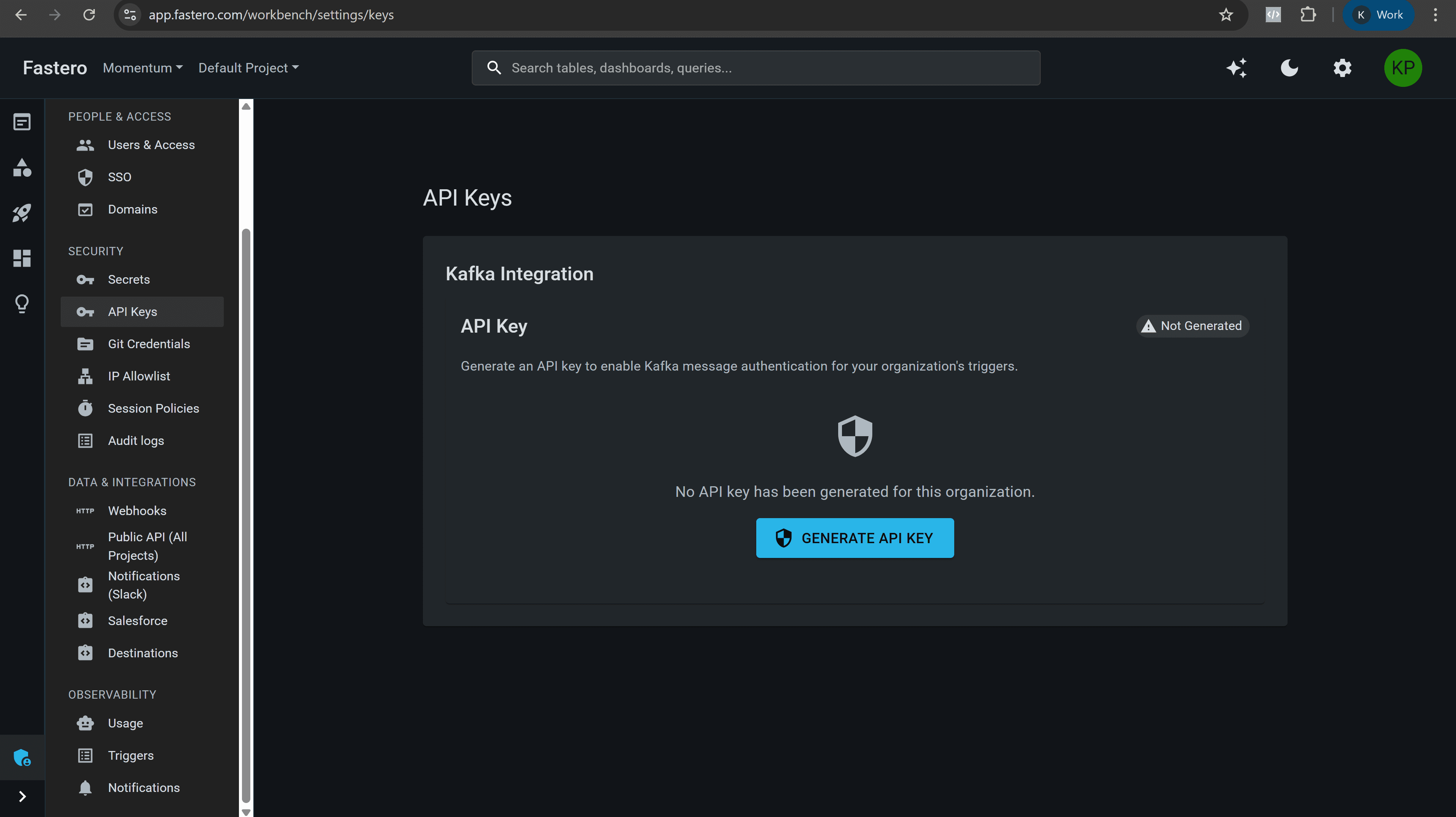
Centralized secrets management—encrypted, access-controlled, audit-logged
What teams get
Enterprise security, built for data teams
Secrets management, 2FA, audit logs, RBAC—security included, not bolted on.
Secrets Management
Centralized, encrypted storage for database credentials, API keys. Access-controlled, audit-logged—no more .env files.
Two-Factor Authentication
TOTP for all users (not enterprise-only). Authenticator app + recovery codes—phishing-resistant authentication.
Audit Logs
Every security event logged—login attempts, password resets, admin actions. IP address, user agent, timestamp tracked.
Multi-Tenant RBAC
Org-level, project-level isolation. Admin, member, viewer roles. Team-based permissions—data never leaks between tenants.
API Key Management
Project-level and endpoint-specific API keys. Rotate, revoke instantly. Track usage—secure programmatic access.
Encryption at Rest & in Transit
Secrets encrypted at rest (AES-256). HTTPS/TLS for all data in transit. Passwords hashed with bcrypt—security by default.
Why it matters
Why teams trust Fastero for security
Secure by default. Multi-tenant isolation. Complete audit trail. 2FA for everyone.
Secrets Management Without External Tools
Centralized, encrypted storage for all credentials. No HashiCorp Vault setup, no scattered .env files—secrets management built-in.
2FA for Everyone, Not Just Enterprise
TOTP + recovery codes available for all users—not locked behind enterprise plans. Phishing-resistant authentication included.
Complete Audit Trail for Compliance
Security logs, query logs, admin actions—everything tracked. IP address, user agent, timestamp—ready for SOC 2, HIPAA audits.
Multi-Tenant Isolation by Design
Org-level, project-level RBAC. Data never leaks between tenants—isolation enforced at database, API, and UI layers.
Security Layers
Authentication
Password + 2FA (TOTP), session management, password reset—secure login
Authorization
Multi-tenant RBAC, org/project isolation, team permissions—access control
Secrets
Encrypted storage, access-controlled retrieval, audit-logged—credential management
Audit
Security logs, query logs, admin actions—complete audit trail for compliance
Operating model
Security layers
Authentication, authorization, secrets, audit—security at every layer.
Secure by Default
Encryption at rest (AES-256), HTTPS/TLS in transit, bcrypt password hashing. Security included, not optional.
Multi-Tenant Isolation
Org-level, project-level RBAC. Data never leaks between tenants—isolation enforced at every layer.
Audit Everything
Security logs, query execution, admin actions—complete audit trail. IP address, user agent, timestamp tracked.
Who it helps
Real-world use cases
Security Admin
Centralized Secrets Management
Store all database credentials, API keys in encrypted secrets vault. Rotate secrets without code changes—audit who accessed which secret.
Compliance Officer
Audit Trail for SOC 2
Security logs track login attempts, password resets, admin actions. Export audit logs for compliance audits—complete visibility.
Data Team Lead
Multi-Tenant RBAC
Org-level isolation prevents data leaks between customers. Project-level permissions control who can edit queries, run workflows—granular access control.
Common questions
How are secrets encrypted?
Secrets are encrypted at rest using AES-256. All secret access is logged in the audit trail. Retrieval requires authentication and authorization—secrets are never exposed in plain text in logs or UI.
What authentication methods do you support?
Password-based authentication with bcrypt hashing, plus two-factor authentication (TOTP) with authenticator apps and recovery codes. All authentication attempts are logged.
How does multi-tenant isolation work?
Org-level and project-level RBAC enforces data isolation at database, API, and UI layers. Users can only access resources within their authorized organizations and projects.
Can I track who accessed what data?
Yes—audit logs track all security events (login attempts, password resets, admin actions) with IP address, user agent, and timestamp. Query execution logs track who ran which queries.
What roles are available?
Admin, Member, and Viewer roles control access at the org and project level. Admins manage users and settings, Members create and edit resources, Viewers have read-only access.
How do API keys work?
Create project-level or endpoint-specific API keys for programmatic access. Keys can be rotated or revoked instantly. All API key usage is tracked in audit logs.
Ready to secure your data platform?
Secrets management, 2FA, audit logs, multi-tenant RBAC—enterprise security built-in. Start free.